 Chat with us

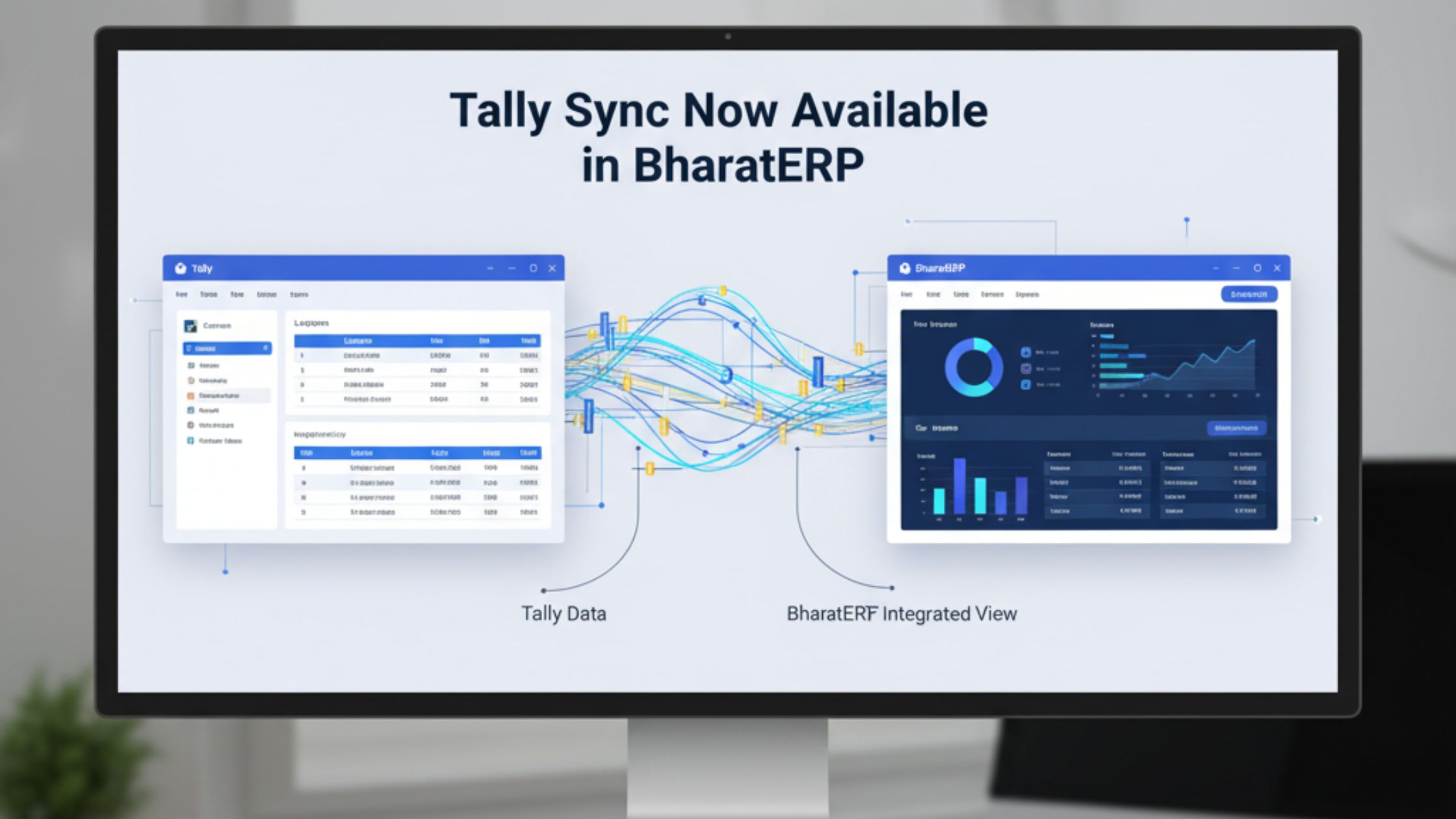
We're excited to announce Tally Sync for BharatERP Desktop — the easiest way to move your existing Tally data into BharatERP without starting from scratch.
What gets synced:
- Ledgers, stock items, and party masters
- Sales, purchase, and journal vouchers
- HSN codes and GST tax ledgers
How it works: Simply go to Settings → Tally Sync, select your Tally data file, and BharatERP will import everything automatically. Your data arrives clean, mapped, and GST-ready.
Who can use it: Available on BharatERP Desktop — PRO edition and above.
Switch to BharatERP today and bring your Tally history with you.
Be the first to comment!